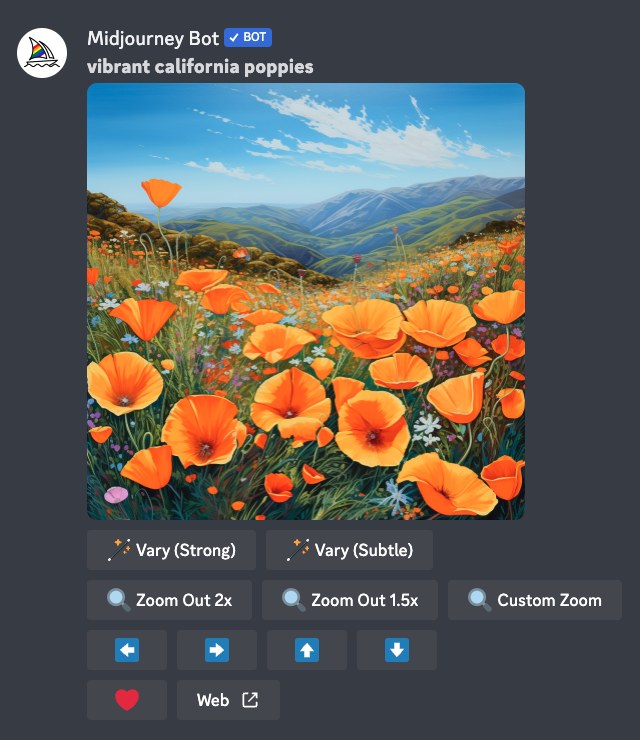
After selecting an image, a set of expanded options will appear for you to choose from.
🪄 Vary (Strong) 🪄 Vary (Subtle) Create stronger or subtler variations of the selected image, generating a new grid containing four options.
🔍 Zoom Out 2x 🔍 Zoom Out 1.5x 🔍 Custom Zoom
Zoom out the image, extending the canvas beyond its original boundaries without changing the content of the original image. The newly extended canvas will be filled using the prompt and guidance from the original image.
⬅️ ➡️ ⬆️ ⬇️
The pan buttons let you extend the image canvas in the selected direction without changing the content of the original image. The newly extended canvas will be filled using the prompt and guidance from the original image.
❤️ Favorite
Mark your best images so you can easily find them on the Midjourney website.
Web ↗️
Open the image in the gallery on midjourney.com


 |NIUBOYI
( 京ICP备17025393号 )|网站地图
|NIUBOYI
( 京ICP备17025393号 )|网站地图